Skip to content
The Things Stack documentation home
Getting Started Concepts Cloud Enterprise Integrations API Hardware
Getting Started Concepts
Cloud Enterprise
Integrations API Hardware
Get The Things Stack

    Recent searches

      Popular pages

      • Getting Started
      • Adding Gateways
      • Adding Devices
      • Payload Formatters
      • Webhooks
      • Authentication

      No results for “”.

      • Check the spelling, or try fewer or more general words.
      • Ask the community on The Things Network Forum
      • Contact support
      ↑↓ to navigate ↵ to open Esc to close

      Hardware

      • Overview
      • Devices
      • Gateways
        • Concepts
        • Models
          • Building a gateway with Raspberry Pi and IC880A
          • Browan Minihub Pro
          • Cisco IXM Wireless Gateway for LoRaWAN
          • CloudGate
          • COTX
          • Dragino LPS8N
          • Kerlink Wirnet iStation
          • Kerlink Wirnet Station
          • Laird Sentrius™ RG1xx LoRaWAN Gateway
          • MikroTik KNOT
          • MikroTik LtAP
          • MikroTik Routerboard wAP LoRa8 kit
          • Milesight UG56 LoRaWAN Gateway
            • Connect Milesight UG56 with Lora Basics™ Station
            • Connect Milesight UG56 with UDP Packet Forwarder
          • Milesight UG65 LoRaWAN Gateway
          • Milesight UG67 LoRaWAN Gateway
          • Milesight UG85 LoRaWAN Gateway
          • Milesight UG87 LoRaWAN Gateway
          • MOKOSMART MKGW2-LW LoRaWAN® Gateway
          • MultiTech Conduit AEP
          • MultiTech Conduit mLinux
          • NASys LoRaWAN Outdoor Gateway
          • Peplink Balance 20X LoRaWAN (with FlexModule Mini)
          • RAK7240 WisGate Edge Prime
          • Robustel R1520LG
          • Tektelic Kona Micro IoT LoRaWAN Gateway
          • The Things Indoor Gateway
          • The Things Indoor Gateway Pro
          • The Things Kickstarter Gateway
          • The Things Outdoor Gateway
          • Wifx L1
          • Wifx LORIX One
        • Troubleshooting Gateways
      • Works with The Things Stack

      Milesight UG56 LoRaWAN Gateway

      Updated 20 January 2025 Edit on GitHub
      Copy page
      • View as MarkdownThis page as plain text
      • Open in ChatGPTAsk questions about this page
      • Open in ClaudeAsk questions about this page
      Milesight IoT UG56

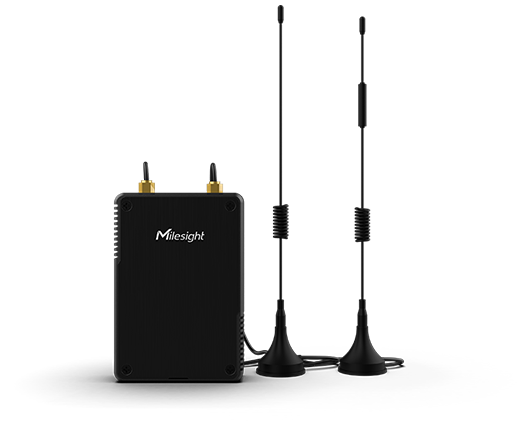
      The Milesight UG56 is a robust 8-channel indoor LoRaWAN® gateway. Adopting SX1302 chip and high-performance quad-core CPU, UG56 supports connection with more than 2000 nodes. This page contains information about connecting the Milesight IoT UG56 LoRaWAN gateway to The Things Stack.

      The technical specifications can be found in Milesight’s official UG56 pages.

      The Milesight UG56 LoRaWAN gateways support two ways of connecting to The Things Stack, using the Semtech UDP Packet Forwarder or LoRa Basics™ Station.

      Requirements

      1. User account on The Things Stack with rights to create gateways.
      2. Milesight IoT UG56 LoRaWAN gateway connected to the Internet via Ethernet or Cellular backhaul.
      3. CA certificate for LoRa Basics™ Station (if using LoRa Basics™ Station).

      Registration

      Add a gateway by following the instructions for the Console or the CLI.

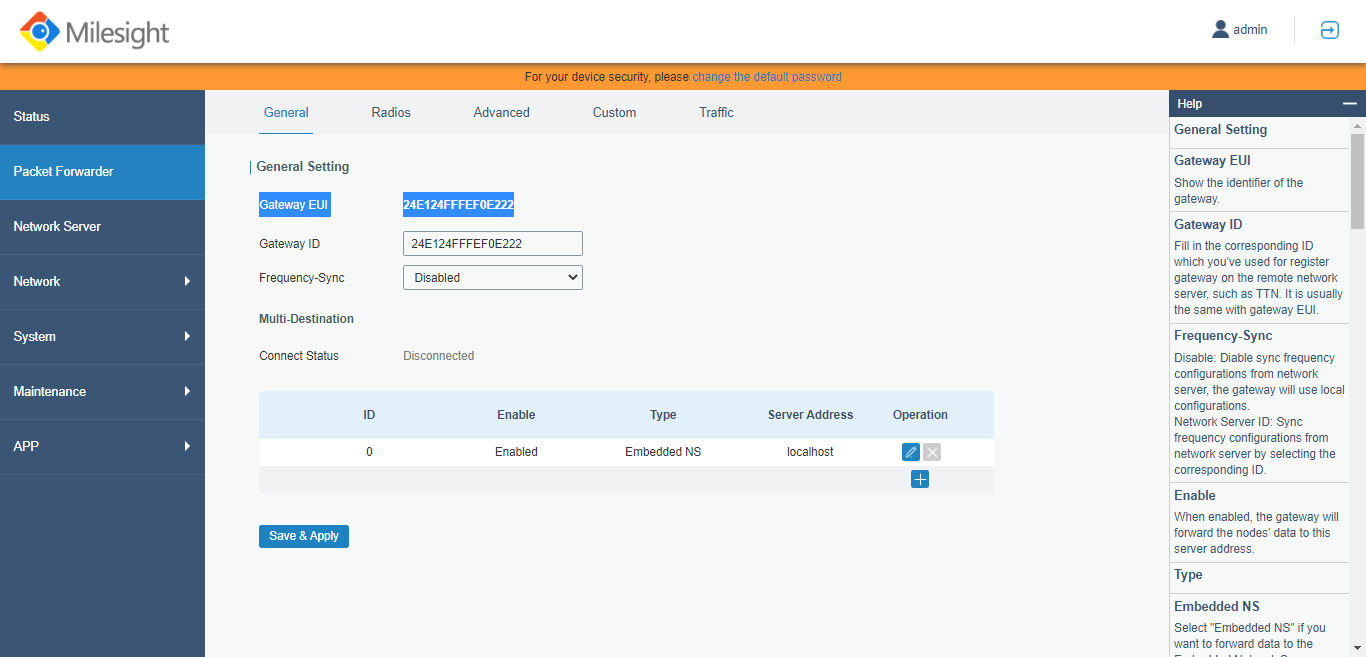
      The Gateway EUI can be found on the gateway’s configuration web page. See Configuration via Browser section below for instructions to access the configuration page.
      Gateway EUI

      Configuration via Browser

      Find the gateway’s IP address. The default IP address for the Milesight UG56 LoRaWAN gateway is 192.168.23.150.

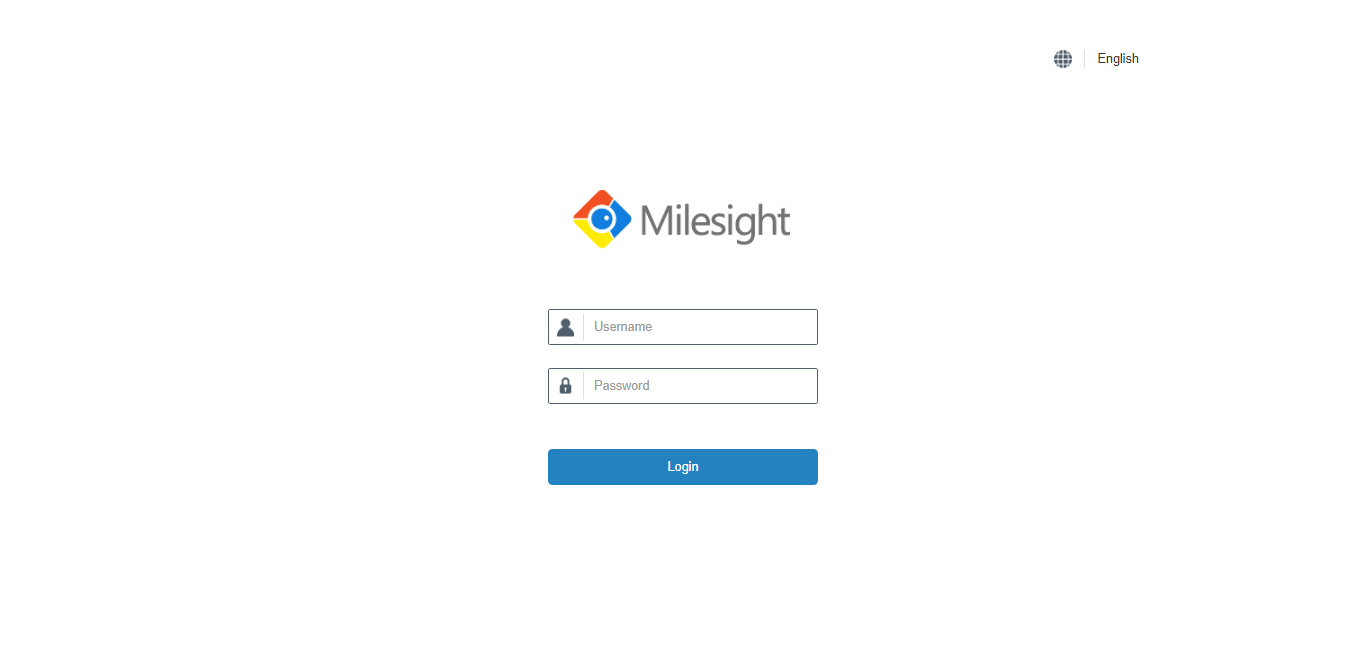
      Connect your machine to the same local network as that of the gateway, and enter the gateway’s IP address in your web browser. You will be presented with a login screen. The default username is admin and the default password is password.
      Login

      See Milesight’s official documentation for more information.

      Disable Default Server

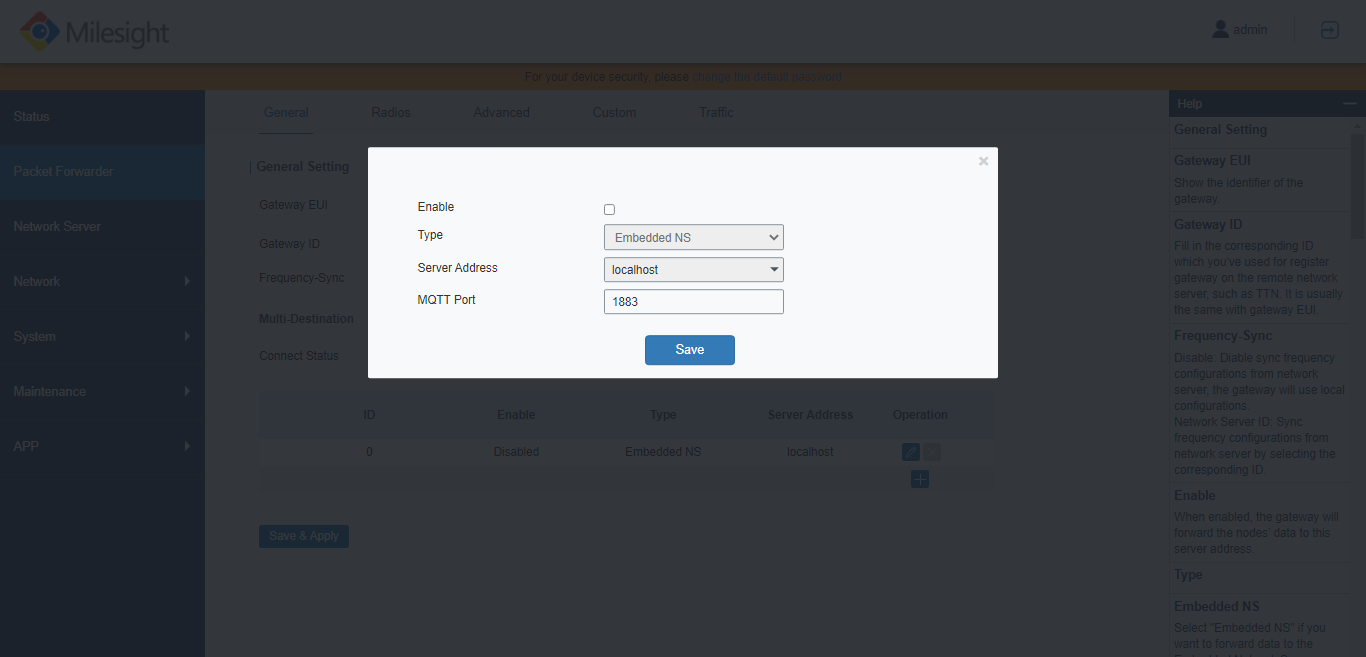
      In the left menu, choose Packet Forwarder. Select the General tab.

      Packet Forwarder

      Click the pencil icon next to the localhost, and uncheck the Enable button to disable the Embedded NS.

      Click Save to continue.
      Disable default server

      Connect to The Things Stack

      After completing the basic configuration, follow the instructions to Connect Milesight UG56 with LoRa Basics™ Station or to Connect Milesight UG56 with Semtech UDP Packet Forwarder.

      Connect Milesight UG56 with Lora Basics™ Station

      This section contains instructions for connecting the Milesight UG56 LoRaWAN® gateway to The Things Stack using LoRa Basics™ Station.
      Read

      Connect Milesight UG56 with UDP Packet Forwarder

      This section contains instructions for connecting the Milesight UG56 LoRaWAN® gateway to The Things Stack using the Semtech UDP Packet Forwarder.
      Read
      ← MikroTik Routerboard wAP LoRa8 kit Connect Milesight UG56 with Lora Basics™ Station →

      On this page

      • Requirements
      • Registration
      • Configuration via Browser
      • Connect to The Things Stack

      Sections

      Getting Started

      Concepts

      Cloud

      Enterprise

      Integrations

      API

      Hardware

      Sitemap

      View our Sitemap

      Contributing

      GitHub

      About Us

      The Things Industries

      Privacy Policy

      Cookie settings

      Cookie Settings

      We use cookies to enhance your experience, analyze site traffic and deliver personalized content. Read our Privacy Policy.

      Cookie categories