
This section explains how gateway outage alert notifications work in The Things Stack.
How to configure gateway outage alerts
After an alert notification profile has been created, the profile can be associated with a gateway. In the General settings section of the Console, select the Alert profile and click Save changes.
Note:
If the alert notification profile has been marked as the default profile, this step may be skipped.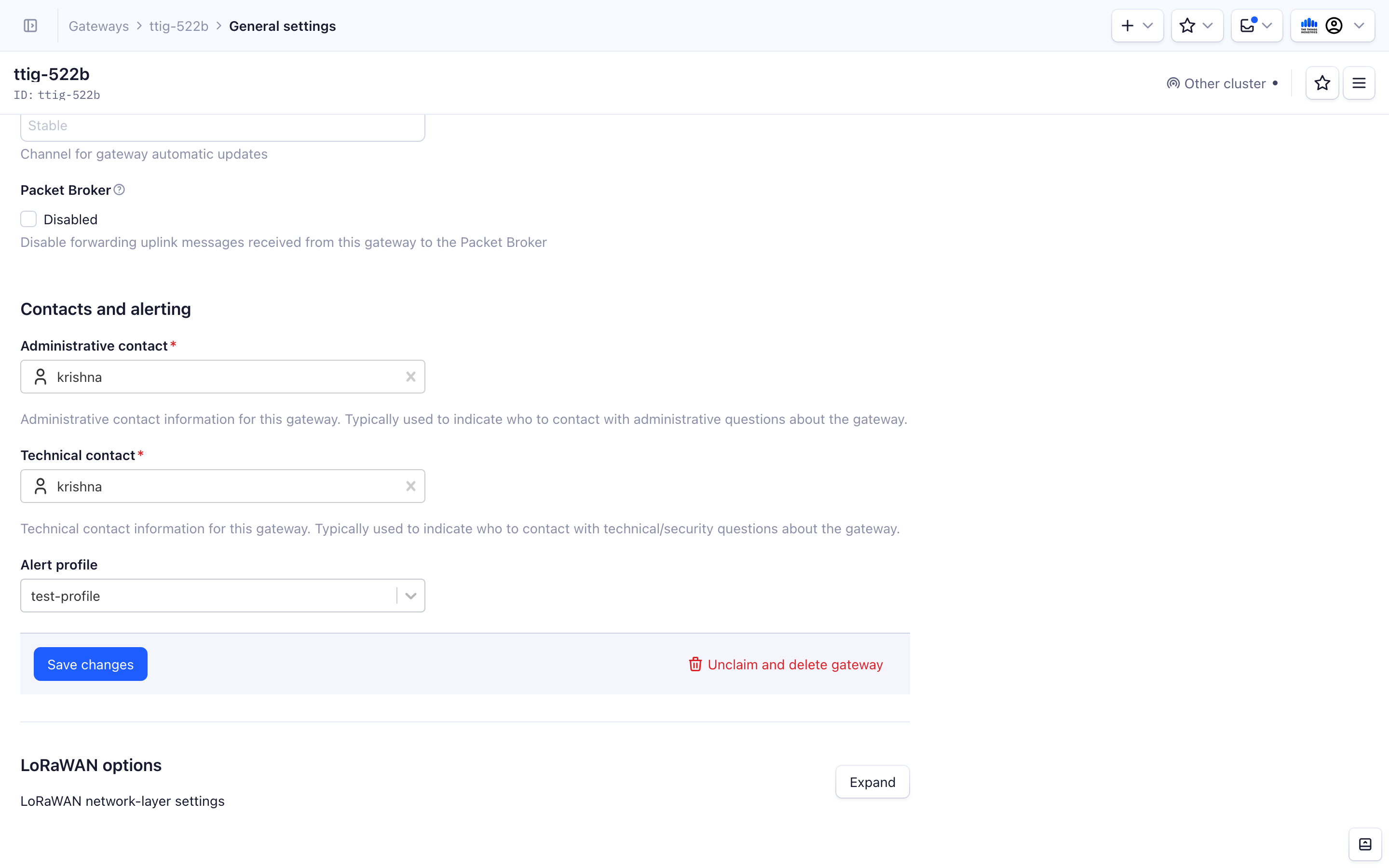
How a gateway connectivity outage alert is triggered
The Things Stack generates alerts when a gateway has been disconnected for too long. By default, a gateway connectivity outage alert is generated if a gateway is disconnected for longer than 10 minutes.
How often a gateway outage notification is sent
Gateway connectivity outage alerts generate notifications upon opening and closure, and every 6 hours in between these two events.
How long is a gateway connectivity outage alert open
Gateway connectivity outage alerts do not stay open indefinitely. By default, an alert remains open for at most 24 hours. This limit exists for resource management, so that monitoring is not kept open forever for the potentially large number of gateways in a network.
When the alert closes, the notification you receive depends on the gateway’s state:
- If the gateway reconnected within the 24-hour window, you receive a notification that the gateway is back online.
- If the gateway is still disconnected after 24 hours, you receive a notification that monitoring for this outage has stopped. You will not receive further notifications for this outage.