# Console
> The Things Stack Console is the management application of The Things Stack for LoRaWAN. It is a web application which can be used to register applications, end …
Source: https://www.thethingsindustries.com/docs/concepts/features/console/
The Things Stack Console is the management application of The Things Stack for LoRaWAN. It is a web application which can be used to register applications, end devices or gateways, monitor network traffic, or configure network related options, among other things.
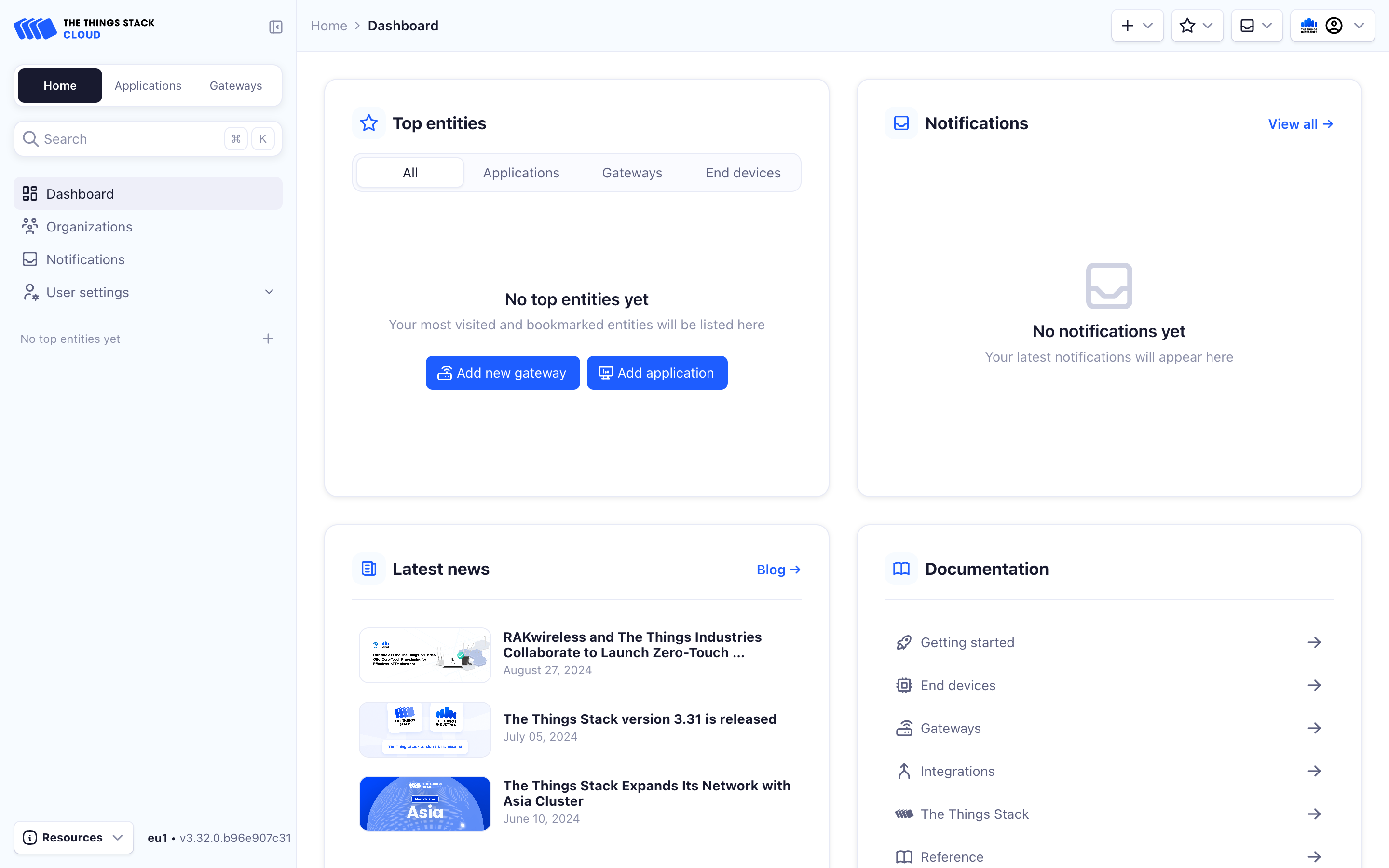
## The Things Stack Cloud
If you are using The Things Stack Cloud, you can generate a direct link to the Console by entering your tenant ID choosing the required cluster.
Copy the link below and paste it in a browser window.
https://..cloud.thethings.industries
See [Cloud Addresses](https://www.thethingsindustries.com/docs/cloud/addresses/) for more information about cluster addresses.
## The Things Stack Sandbox
If you are using The Things Stack Sandbox, the Console is available at `cloud.thethings.network`.
Visit the addresses page for [The Things Stack Sandbox](https://www.thethingsindustries.com/docs/concepts/ttn/addresses/) for more information.
## The Things Stack Enterprise and Open Source
If you are hosting your own deployment, the Console is available at the address you host The Things Stack at.
See [Server Addresses](https://www.thethingsindustries.com/docs/concepts/server-addresses/) to learn more.
Once you have access to the Console, proceed to [Login](https://www.thethingsindustries.com/docs/concepts/features/console/login/).
## Pages in this section
- [Login](https://www.thethingsindustries.com/docs/concepts/features/console/login/index.md): The Console needs to be logged in to create gateways, applications, devices and API keys. In this section, learn how to login into the Console.
- [Personal Settings](https://www.thethingsindustries.com/docs/concepts/features/console/personal-settings/index.md): This section explains how to modify personal settings in The Things Stack Console.
- [Tenant Settings](https://www.thethingsindustries.com/docs/concepts/features/console/tenant-settings/index.md): This section explains how to modify tenant settings in The Things Stack Console.
- [Troubleshooting Console](https://www.thethingsindustries.com/docs/concepts/features/console/troubleshooting/index.md): This section provides help for common issues in The Things Stack Console.